04 / Pranks
Screens for harmless mischief
BSODs, fake updates, broken glass, and TV static. Convincing enough to get a reaction, easy enough to escape with a single click.
Tools recommended
06
02 / Used for
Best for
-
01
Practical jokers
A safe, install-free way to spook a sibling without ever touching their files.
-
02
Short-video creators
Drop-in B-roll for "computer is broken" reaction shots, no After Effects required.
-
03
Film & theatre props
When you need a screen prop that looks right on camera in a minute, not a week.
-
04
IT trainers
Realistic failure scenes for "what would you do if…" workshops.
03 / How to use it
How to use it
Three steps. One panel. Done in under a minute.
-
01 / 03
Pick your scene
BSOD, black death, broken glass, white noise, Win10/11 update — whatever lands hardest.
-
02 / 03
Fullscreen & walk away
Make sure the monitor goes edge-to-edge before you leave the room.
-
03 / 03
Escape with one click
Click anywhere or press Esc when it's time to reveal the joke.
04 / Best for
Screens for harmless mischief
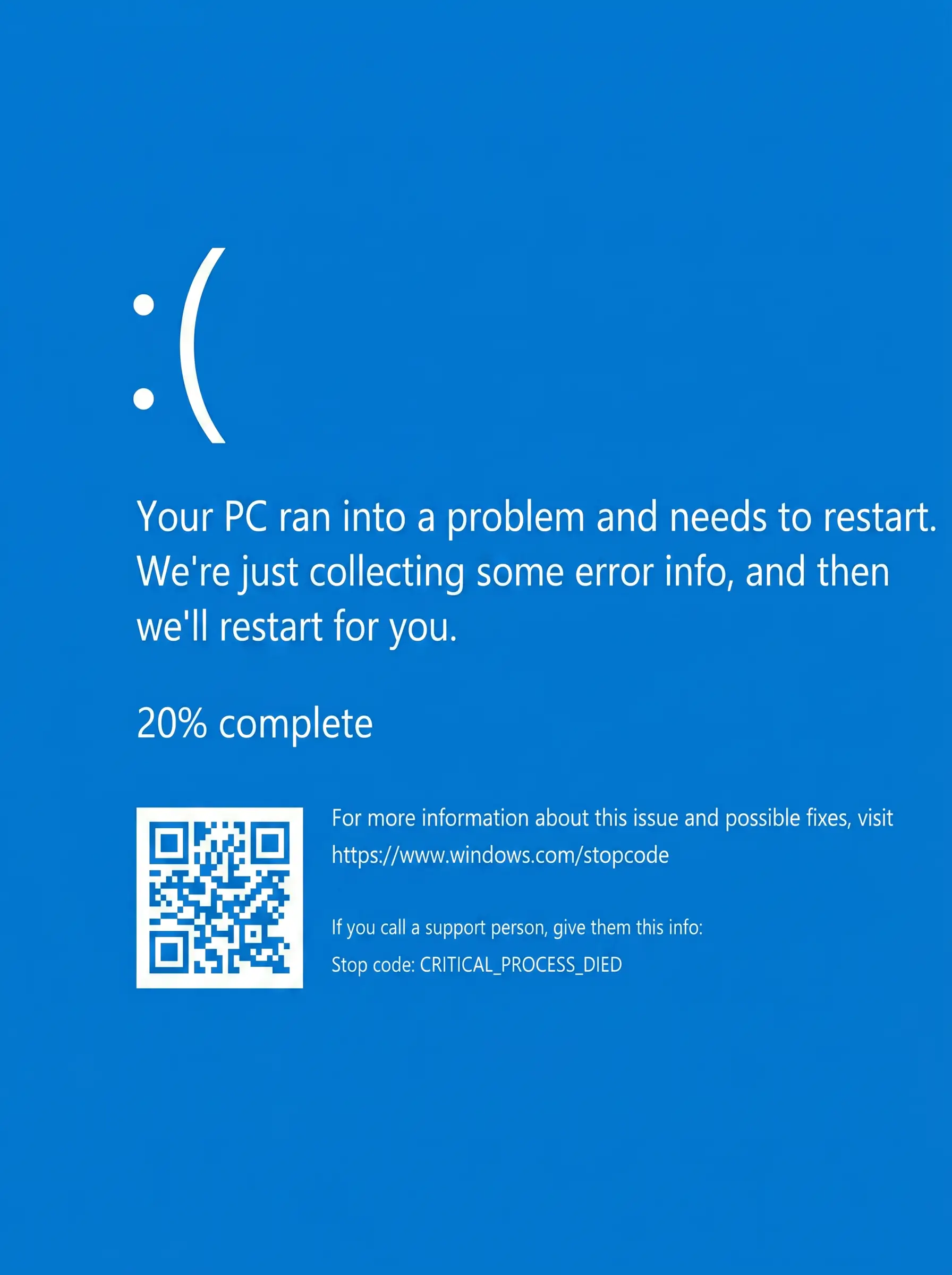
Blue Screen of Death
A pixel-perfect Windows Blue Screen of Death. Set it up before you walk away from a friend's laptop. Click anywhere to escape — they don't need to know that.
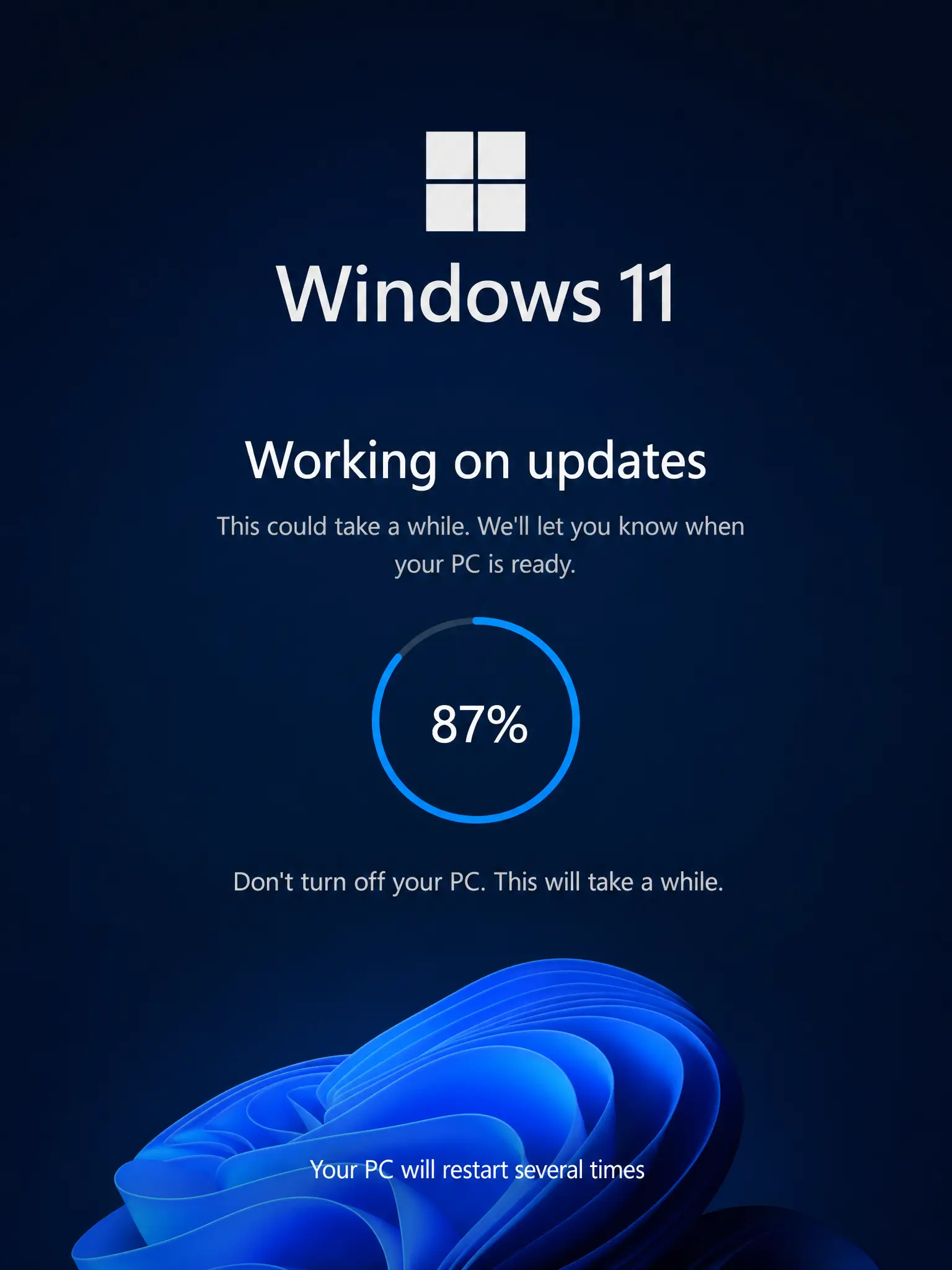
Windows 11 fake update
The cleaner, rounded-corner Windows 11 update screen. Same long percentage crawl, more modern panic.
Broken screen
A web of convincing cracks rendered right on the glass. Great for short videos, photo composites, or a really mean April Fool's.
White noise screen
A flickering noise field with optional audio. Channel old-TV static, kill silence at a film shoot, or do the most retro practical joke around.

Black Screen of Death
The newer, even more confusing relative of the BSOD. Almost no text, just a blinking cursor — perfect for the briefest, most alarming silence.
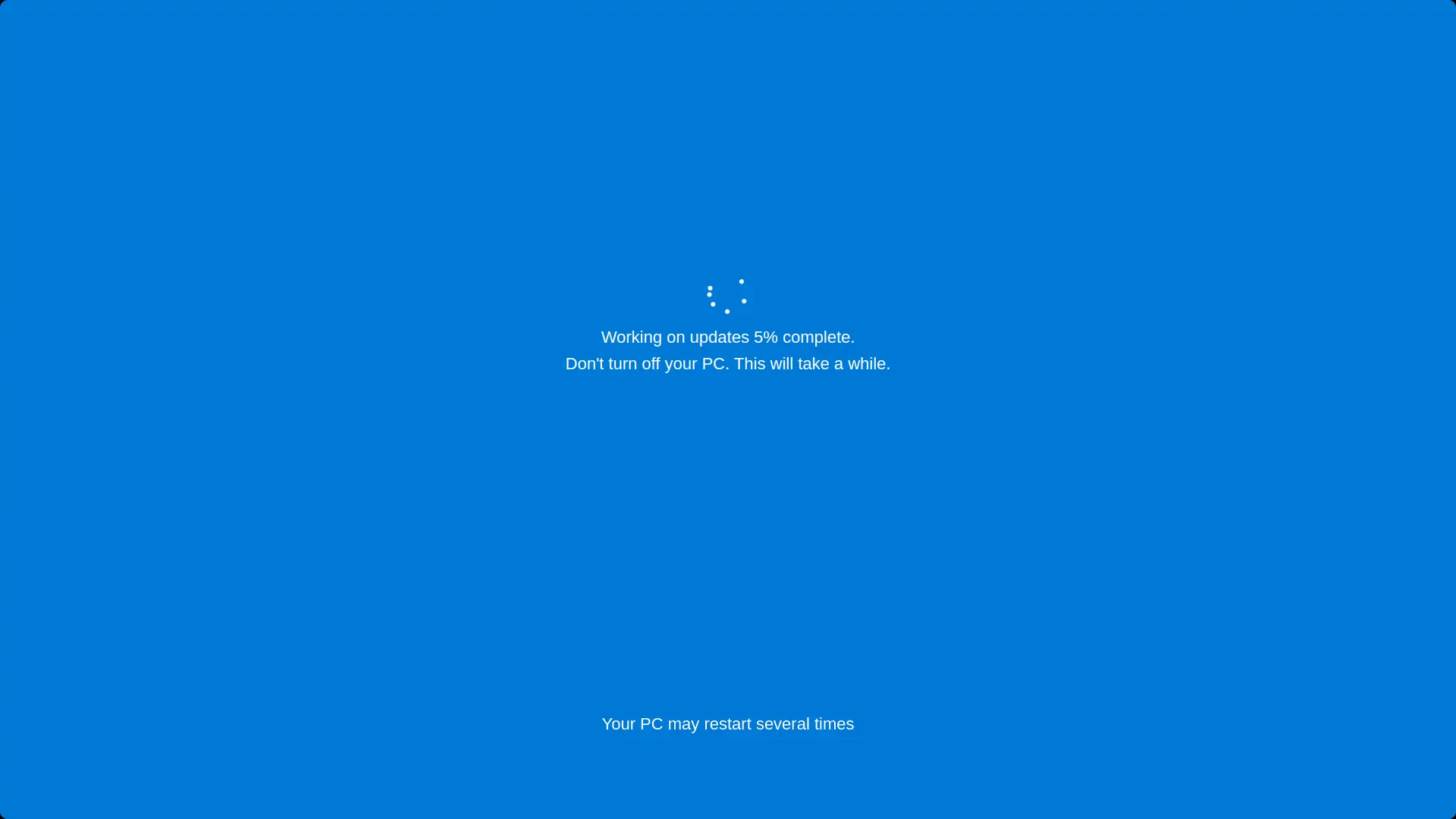
Windows 10 fake update
A pixel-perfect Windows 10 update screen, complete with the slow percentage crawl. Set it up before someone's coffee break for maximum effect.
05 / Use cases
Five more ways to use a screen
- 01 Video calls Light up your face. Stage clean backgrounds. Look good on camera. →
- 02 Monitor test Spot dead pixels, backlight bleed, and colour banding. →
- 03 Design Pick colours, sample HEX, and proof designs in real lighting. →
- 05 Focus & relax Black screens, calm colours, and a flip clock for deep work. →
- 06 Photography Turn a monitor into a softbox or a clean coloured backdrop. →
- ★ All screens Built for screens. Loved by humans. →